How to Make Halloween AI Videos from Your Photos
Compare Ghost Call, the couple phone scene and Pumpkin Head with input photos, video examples, reference prompts and a guide to buying enough credits.
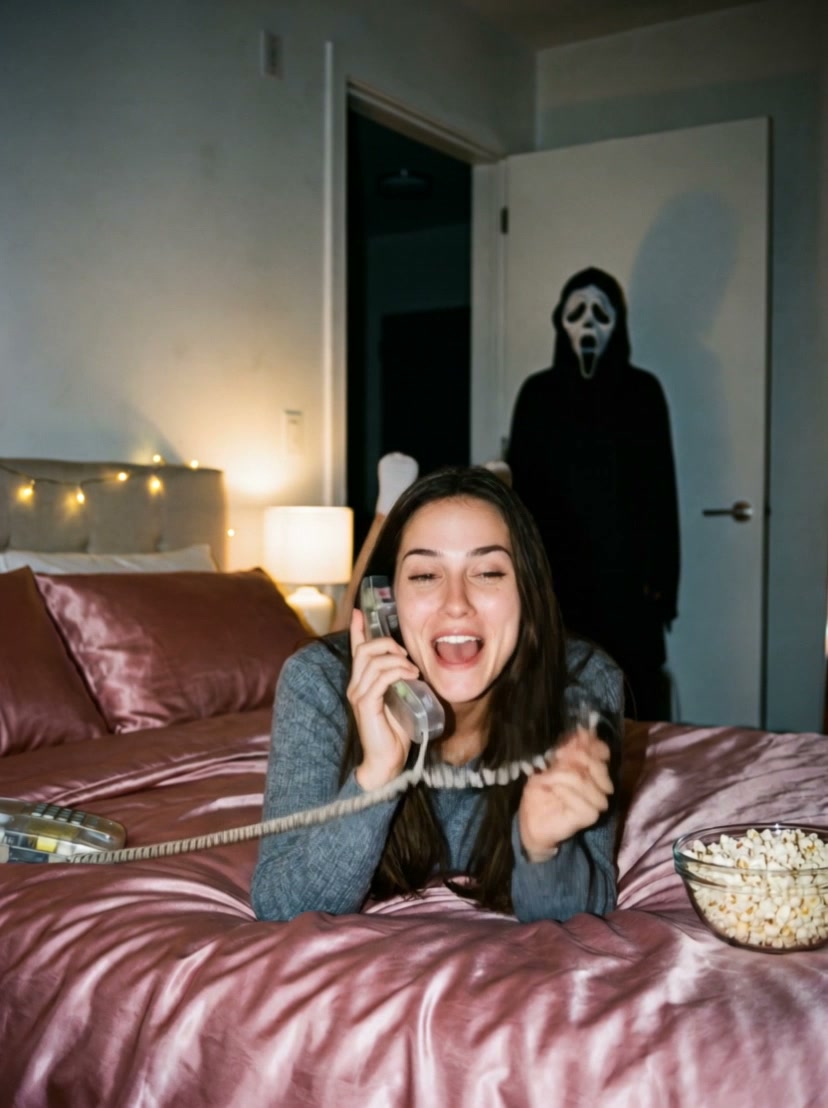
You do not need a costume shoot to make a Halloween video. Start with one selfie for Ghost Call, or two separate photos for Ghost Call Couple and Pumpkin Head. Each template builds a preset scene and returns a short video.
The examples below are existing generated demonstrations using AI-created input portraits. They show the scene each effect aims to produce, rather than a promise that every face, outfit or movement will match. This article has not commissioned a fresh generation run on its publication date.
Choose a scene and compare the examples
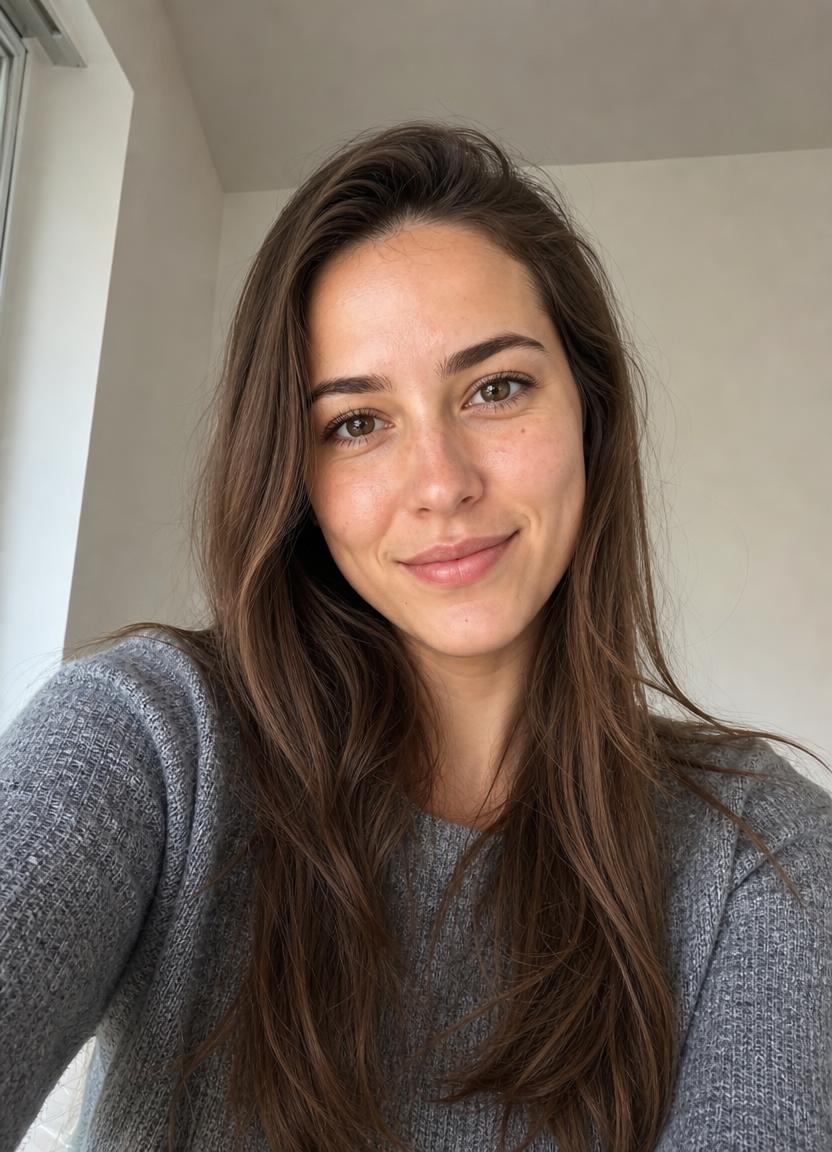
Ghost Call puts one person on a corded phone in a dim 1990s bedroom, with a masked Halloween guest in the doorway. Choose it for a solo, spooky clip.
Ghost Call Couple places two people on the bed sharing a phone, while the guest appears at the window. It needs two separate selfies, one person per upload slot. Partners, friends and siblings can use the same scene.
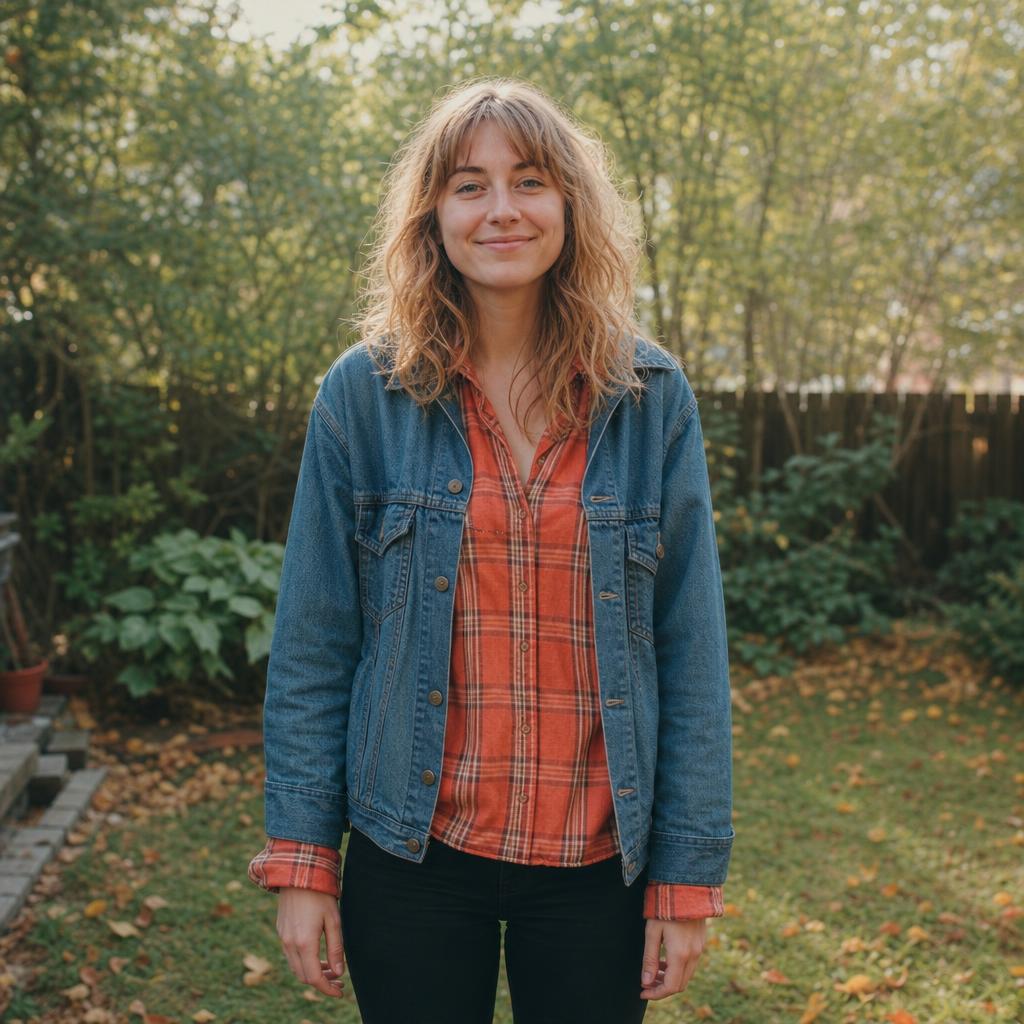
Pumpkin Head replaces both human heads with glowing carved pumpkins in an autumn patch. Upload two upper-body photos with visible outfits. Choose this effect when you want a playful fall scene without human faces in the result. Clothing and body details can still change.
Ghost Call: the solo scare
A corded phone, pink satin bedding and a masked Halloween guest in the doorway. Your selfie sets the lead character in this nostalgic bedroom scene.
1 photo(s) · 10 seconds · 450 credits per video
Use one clear, front-facing selfie with one visible face.
Create My Halloween Video
Ghost Call Couple: share the scare
Two people share a phone while a masked guest appears at the window. Make a Halloween clip with a partner, sibling or best friend.
2 photo(s) · 10 seconds · 550 credits per video
Upload two separate selfies, one person per photo. Match the lighting where possible.
Create My Halloween Video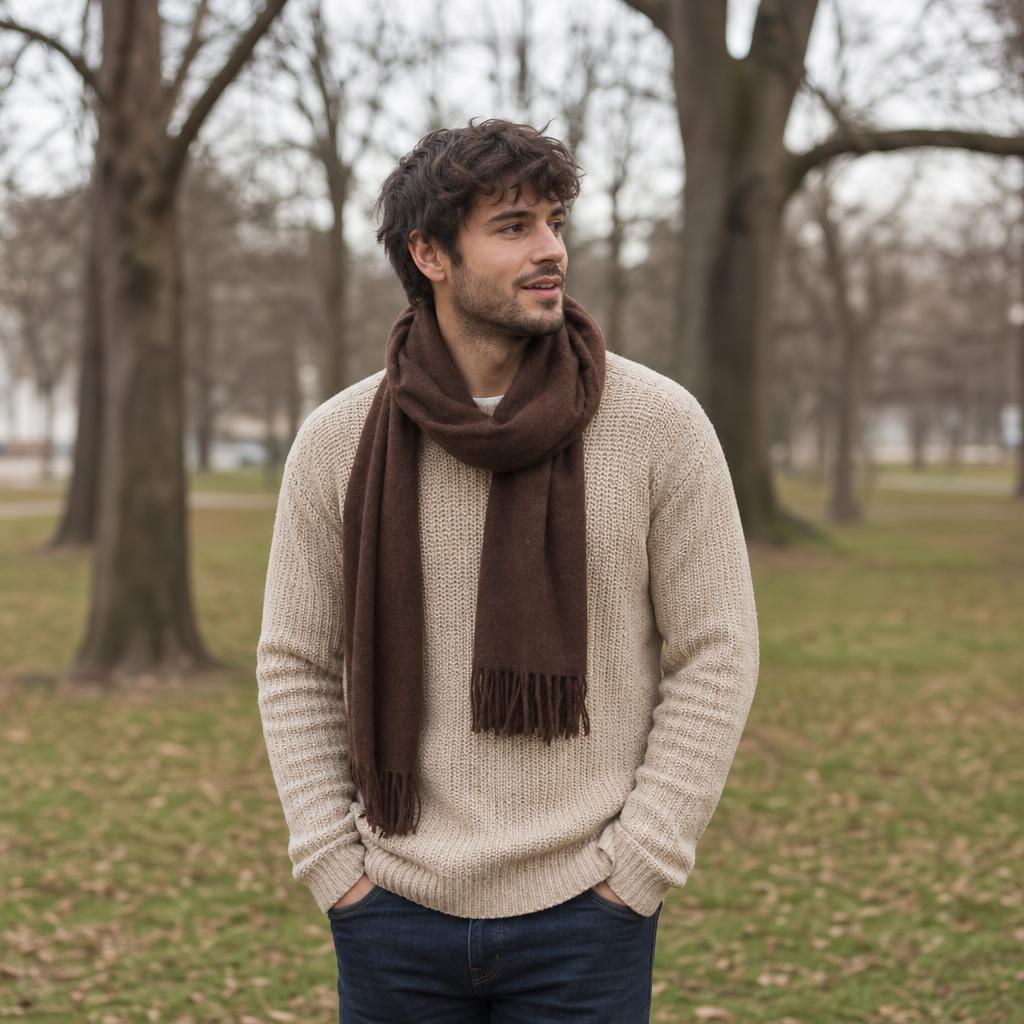
Pumpkin Head: a cozy autumn duo
Glowing jack-o’-lantern heads, falling leaves and a golden-hour pumpkin patch. A playful autumn video that replaces human faces with carved pumpkins.
2 photo(s) · 10 seconds · 550 credits per video
Upload two upper-body photos, one per person. Faces are replaced, and clothing details may change.
Create My Halloween VideoCopy a reference prompt
These readable prompts are condensed from the scene presets behind the examples. The on-site templates use a configured image-to-video workflow. These standalone versions have not been separately retested in other tools; model support, identity preservation and motion will vary.
Ghost Call: the solo scare
Use one portrait as the identity reference. Create a grainy late-1990s bedroom scene: the person lies on rose-pink satin bedding, talking on a translucent corded phone. A friend in a black hooded Halloween costume and plain white ghost mask stands in the dark doorway. Warm bedside lamp, direct camera flash, realistic skin texture. Animate one continuous fixed-camera shot: casual conversation, a pause, a slow glance toward the doorway, the costumed friend taking one slow step into the lamplight. Aim to preserve the face and outfit. No weapons, blood, text or logos.
Ghost Call Couple: share the scare
Use two separate portraits, one identity reference per person. Place both people side by side on rose-pink satin bedding in a dim late-1990s bedroom, sharing a translucent corded phone and laughing. A friend wearing a black hooded Halloween costume and plain white ghost mask watches from behind the window curtain. Warm bedside lamp, direct flash, 35mm film texture. Animate a fixed-camera shot: laughter fades, both turn toward the window, the masked friend leans gently into the light. Aim to retain both identities. No weapons, blood, text or logos.
Pumpkin Head: a cozy autumn duo
Use two upper-body photos as body, pose and clothing references. Replace both heads completely with carved jack-o'-lantern pumpkins with warm glowing smiles. Place the pair in a golden-hour pumpkin patch with hay bales, scattered pumpkins, string lights and falling maple leaves. Animate a gentle slow push-in as one pumpkin head tilts toward the other and both lean together. Cozy, playful autumn atmosphere. No human faces, horror, blood, text or logos.
Prepare and upload your photos
Open your chosen template from the example above. Use JPG, PNG or WebP files, up to 20 MB each. Keep faces visible, avoid dark sunglasses and heavy filters, and use only photos you have permission to upload. For the two-person scenes, add one person to each labeled slot; one group photo does not replace the two required files.
The Ghost Call effects aim to retain facial identity, but this is generative video: faces, hands and clothing may differ. Pumpkin Head intentionally replaces the faces. Watch the full example, including sound when available, before deciding whether the scene suits your post.
Check the cost before buying credits
The template page displays the current credit cost. If your signed-in balance is short, use its Get credits link. The pricing page calculates the difference and suggests an existing one-time pack that covers at least one generation. It also keeps the original template as your return destination.
Compare the cost with the actual pack size. A 200-credit pack cannot cover a 450- or 550-credit video from a zero balance. The displayed recommendation uses the current template price and your available balance instead of assuming that every effect costs 200 credits.
You can also review all packs and subscriptions. A subscription is optional; it is not required to use these effects. Photo drafts are kept in the same browser tab for up to a day, subject to browser storage. Keep your original files in case local storage is cleared.
Generate, review and download
Return to the effect, check the selected photos and start generation. Follow the task in Creations. A processing task still needs time; a task marked failed returns its deducted generation credits automatically.
When the video is ready, play it from start to finish. Check the face, number of people, hands, background, movement and sound before downloading or sharing. The presets do not offer a prompt-editing field, and copying a reference prompt into another tool does not use the same configured workflow.
The finished result is a video. This workflow does not include a separately purchasable Halloween photo-editing or image-download tool.
Keep exploring
Browse the Halloween AI video effects to compare the current options and costs. For a different transformation, try the werewolf video effect. Read the photo preparation guide and two-photo upload order guide if you need help with inputs.