How to Make a Photo Dance with AI: Pick the Right Effect
Make a photo dance with a preset AI effect. Compare the moves, choose a suitable photo, check credits and review the finished video and audio before sharing.
To make a photo dance on Movibop, choose a dance effect, add the photo it asks for and generate a video. You do not need to film a dance routine. The selected preset supplies the movement and scene, so start by watching the example rather than choosing by the template name alone.
Compare the available photo dance effects.
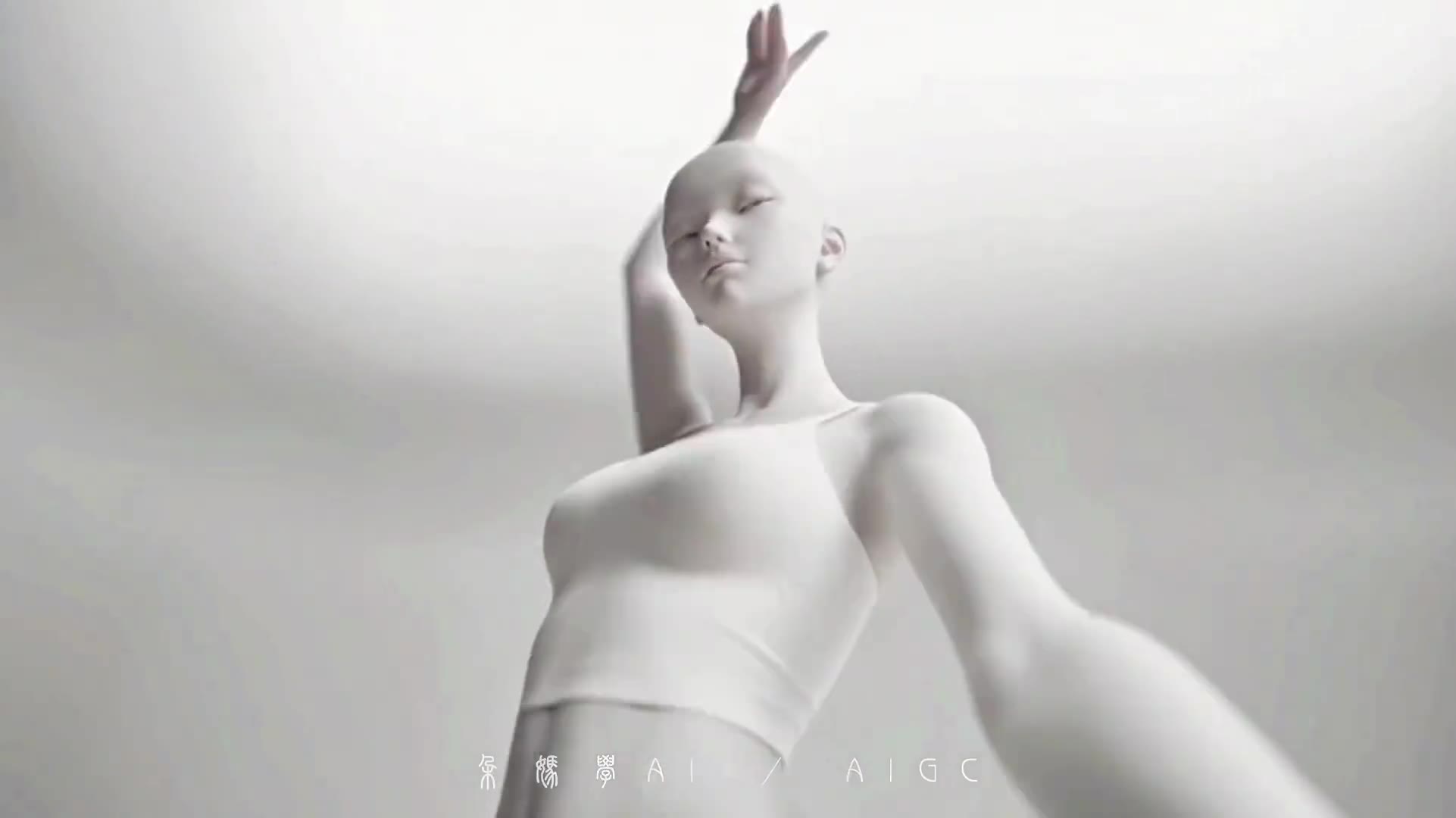
A frame from the KDA Firestarter dance reference. Watch the current template preview to compare the complete movement.
Choose the movement before choosing the photo
Different effects produce different scenes. A stage performance and a playful lawn dance need different expectations, even if both start with one still image.
| What you want | Effect to inspect | What to check in the example | | ------------------------ | ------------------------------------------------- | ------------------------------------------------------------------------------------------- | | A stylized stage routine | KDA Firestarter Dance | The character style, choreography and camera movement are preset. | | A dancing-baby scene | Baby Dance / Baby Night | The reviewed clip shows a child dancing on a lawn in daylight, despite the template's name. | | A different dance | Dance collection | Compare the whole routine and the current photo requirements before using credits. |
These templates do not have a reference-dance video uploader, custom choreography editor or song selector. If you want to reproduce an exact dance from another clip, compare it with the available examples first. A similar title does not mean the movements will be the same.
Prepare a photo that suits the effect
For Baby Night, use one well-lit photo with exactly one visible human face. Keep the face unobstructed by hands, dark glasses or heavy filters. A group photograph can introduce unintended subjects; choose a clearer individual photo instead.
For other effects, read the live photo count and upload labels on that template's page. Use the example to judge framing, but remember that the preset can change the body, outfit and surroundings. Do not expect the uploaded photograph to remain unchanged apart from the legs moving.
Use photos you own or have permission to use. Obtain the appropriate parent or guardian's permission for a child's photo. The photo preparation guide covers formats, clear subjects and framing.
Make the video and review the result
- Open the effect and play its example. Check the movement and scene you want.
- Add the required photo. The current uploader accepts JPG, PNG or WebP, up to 20 MB per image.
- Read the current credit cost before submitting. Browsing examples is free; generating a new video uses credits. The one-time pack illustration on the tool page uses that effect's cost rather than a standard-video estimate.
- Sign in and generate when ready. Follow the task in Creations, then watch the complete returned clip before downloading.
Check the face, body, hands, movement and audio in the finished video. Your result can differ from the example. If generation fails, inspect the task status and credit record before starting another attempt. A completed result you want to change requires another generation.
Check the sound before posting
An example with music does not guarantee that a new generation will contain the same track. These preset dance pages do not let you choose a particular song. Listen to the returned file and check your rights to the audio before sharing it.
If your task is to make someone perform your own rap recording, use the Rap video tool. That is a separate workflow: one photo, an uploaded audio file and a selected 10-second segment. It creates a solo lip-synced performance rather than a custom dance routine.
Questions about making a photo dance
Do I need to record myself dancing?
No. The preset dance effects use still photos. The template supplies the movement shown in its example; there is no dance-reference upload in this workflow.
Can I make the baby dance to a particular song?
Baby Night has no song selector. Preview the scene, then listen to the finished result before sharing it. Do not purchase a generation expecting a specific trending soundtrack.
Will my face and clothes stay exactly the same?
An exact match is not guaranteed. A clear photo gives the model a better starting point, but you should review the returned identity details, outfit and motion yourself.
Ready to choose the moves? Browse photo dance effects, or open the Baby Dance preset.
Recognize the trend before choosing an effect
A familiar song title can refer to a music-video remake rather than a dance routine. The Hotel Lobby AI trend uses an orange two-person performance reference; Raindance AI versions include waterfront scenes with distinct performer roles. Read the reference and input notes before expecting a dance preset to recreate either format.